
Quick-start guide | ||||||||
| Download the installation package and install the SRecorder program on your Windows x86 or x64 computer. |  | |||||||
Connect the Texvik device to the computer using a USB cable. | 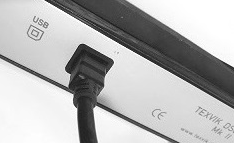 | |||||||
| Launch the program and turn on the device using the Start button. When first turned on, the program runs a data recording speed test, which takes about 1 minute. | 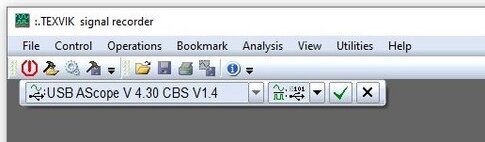 | |||||||
After the test is complete, the program enters operating mode. | 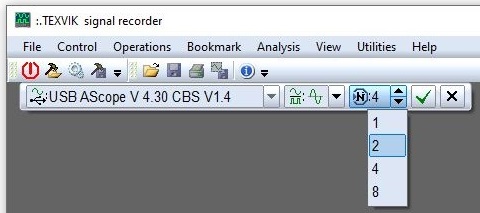 | |||||||
| Now the Texvik device is ready for measurements and recording. | 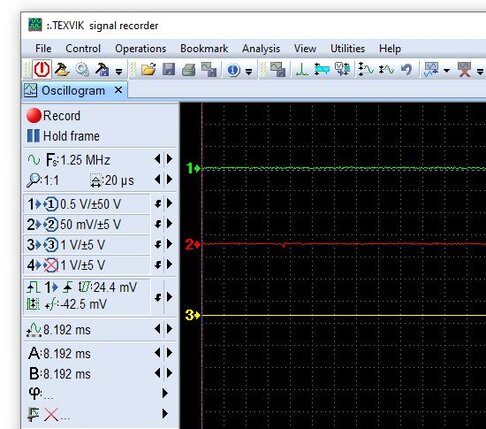 | |||||||
Most parameters of the recorded signal can be edited. The only exception is the sampling rate and this parameter must be set at least approximately before record turn on.  | 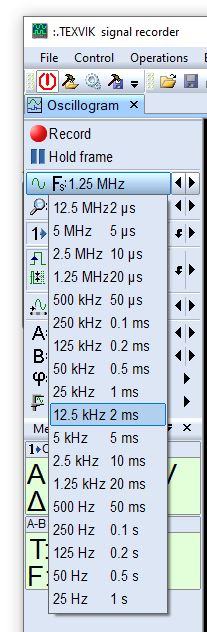 | |||||||
Go to content
Back to content
q-start - TEXVIK INFO CENTER
| Quick-start | ||
User guide | ||
| ||
|